At its core, every online assessment is meant to answer a few essential questions: Is the expected person taking the test? Are fraud risks managed efficiently? Can the results be trusted as fair and unbiased? And ultimately, can the institution stand behind the value of the credential it awards?
Many assessment systems struggle to strike the right balance between integrity and usability. As a result, exams become unnecessarily stressful for test takers, more difficult to manage for test organizers, and less reliable in terms of fairness of results.
In many cases, the issue is not exam integrity itself, but the way assessments are built and run overall. Even within the same institution, different exams may not always follow the same standards for validity, reliability, and practicality, which can affect both the quality of the process and the trustworthiness of the results.
The role of proctoring tools is to protect the integrity of the assessment process while making the testing experience smoother for everyone involved.
At OctoProctor, we believe effective proctoring should support both exam integrity and seamless test taker experience. That’s why we’re working toward making online assessments more accessible and less disruptive to complete. That means helping institutions deliver secure browser-based proctored exams without creating unnecessary friction for test takers.
Proctoring tools help create consistent exam conditions for every test taker. No matter where someone is taking the exam, proctoring software helps make sure everyone goes through the same secure and controlled process.
Proctoring solutions help ensure academic integrity. For example, video monitoring and sound detection flag unusual behavior or interruptions during exams. Browser lockdown software limits access to unauthorized tabs, extensions, virtual machines, and external cameras. In OctoProctor, for instance, this feature is implemented in the default browser.
Proctoring systems also help prevent impersonation and identify fraud. With identity verification and test taker authentication in place, institutions can be more confident that the person taking the exam is actually the one who is supposed to take it.
Proctoring software gives flexibility for both test takers and organizers. With solutions that offer automated or AI proctoring, exams can be delivered conveniently, allowing test takers to take them at a time that fits their schedule. This way, assessments become far more accessible without compromising control or oversight.
As universities and testing organizations grow their programs, they often need to support more test takers, more exam sessions, and more locations, all while keeping the process secure and manageable.
For example, instead of hiring new staff to supervise 500 candidates across different time zones, you can use AI proctoring or a hybrid approach that combines AI monitoring and live oversight when needed. This makes it easier to run exams at scale while preserving integrity and cost-efficiency.
When an assessment is delivered with clear identity checks, secure exam conditions, and consistent monitoring, an institution can show that the results were earned under fair and controlled conditions.
If an exam process is seen as weak or inconsistent, people may question both test taker results and the value of the credential being awarded. In that sense, proctoring tools help institutions protect their academic reputation and ensure that every result stands on a process that can be trusted.
We work with organizations across many industries, including higher education, corporate certification, alcohol server exams, and many more. And one thing has become clear: even within the same industry, exam requirements can look very different.
In some cases, basic automated flagging is perfectly sufficient to identify unusual behaviour. In others, particularly for high-stakes exams, organizations need stricter security measures, such as using a second camera. Understanding the main types of proctoring will help you choose the approach that best fits your exam needs.

AI proctoring uses artificial intelligence tools and language models to monitor exam sessions by analyzing video, audio, and screen activity in real time. It flags unusual behavior and supports a fair testing environment without requiring constant manual supervision.
Depending on the setup, AI models can be used in different ways: from fully automated AI-based monitoring to a hybrid model where AI flags potential issues and human reviewers step in when needed.
When it works best:
Limitations:
Live proctoring involves trained remote proctors monitoring test takers in real time as they complete their online exams. Live proctors make sure exam rules are followed throughout the session and respond immediately if incidents or unusual behavior occur.
After the exam, live proctors typically prepare an exam session report, where they document all incidents and rule violations like interruptions or communication attempts flagged during the test. These reports help institutions support fair, well-documented exam decisions.
When it works best:
Limitations:
Automated proctoring monitors exam sessions using clearly defined, rule-based logic rather than human interpretation. It records, flags, and reports specific predefined events like tab switching, additional faces appearing in the camera frame, device connection drops, or other unusual activity during the exam.
Automated proctoring follows transparent rules and does not rely on black-box decisions. After the session, the system generates a structured report for review.
When it works best:
Limitations:
Hybrid proctoring combines automated or AI-based monitoring with human review to create a more balanced approach to remote exam security. In this model, AI algorithms detect and flag potential issues, while trained proctors provide context and step in when human judgement is needed.
Hybrid proctoring is often seen as a middle ground between flexibility and security, helping institutions scale online more efficiently.
When it works best:
Limitations:
No matter the industry or the type of test, online exams can be proctored. At OctoProctor, we’ve worked with clients delivering all kinds of assessments, from higher education exams to drone licenses and alcohol service certifications. Overall, proctoring tools are widely used for:

Here are the most common proctoring use cases across industries:
To preserve academic integrity and ensure fair, consistent assessment conditions, universities use online proctoring tools during entrance exams, midterms, and finals.
In healthcare, the stakes are always high, which is why exam results must be trustworthy and unbiased. Therefore, proctoring tools are used for medical certification exams, continuing medical education assessment, healthcare compliance testing, and medical staff training.
Proctoring is essential for drone license exams, transport compliance certifications, and safety assessments to ensure certified individuals meet required safety and regulatory requirements.
In the alcohol server certifications, food safety training assessments, and customer service compliance exams, proctoring tools help support regulatory compliance and auditability. These tools ensure that required certifications are completed securely and by the correct person.
Proctoring tools are regularly applied for pre-employment testing, technical assessments, and language proficiency checks. These tools help verify candidate identity and make sure employers are evaluating the candidate’s actual skills.
In the construction domain, proctoring helps verify that the right person is completing the assessment and the results can be trusted. It’s particularly important for certifications tied to workplace safety, regulatory compliance, job readiness.
Try to look beyond the surface. A good proctoring setup should be easy to use, easy to manage, and clear for everyone involved.
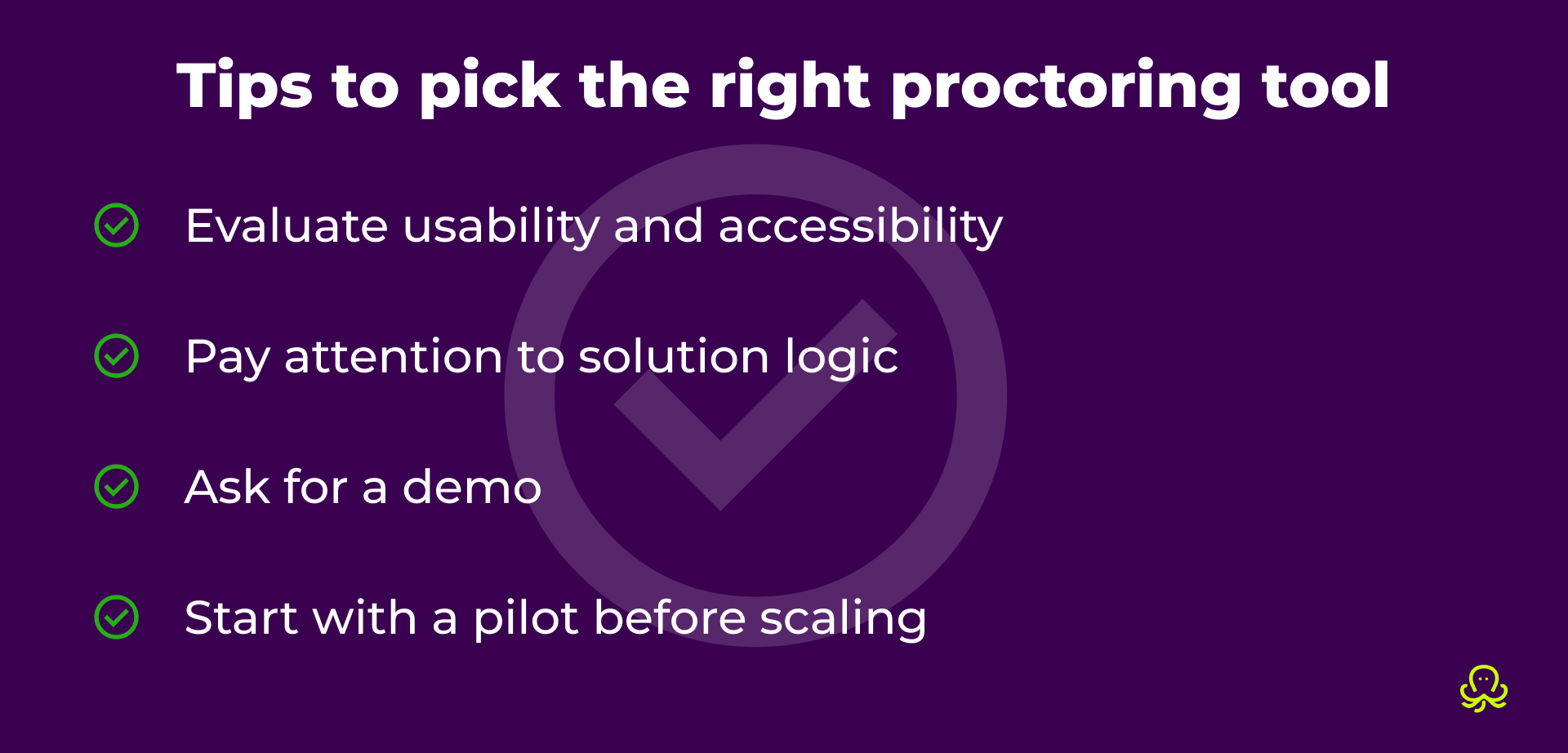
Make sure the proctoring experience is smooth and not stressful for test takers. The proctoring software should be intuitive for users with different accessibility needs, including those who rely on screen readers and other assistive technologies. It should support test takers without creating additional barriers during the exam.
For administrators, the proctoring solution should be easy to configure, practical to manage, and simple to navigate without requiring constant technical support. Accessibility matters here as well, so make sure the platform offers improved administrator accessibility, including compatibility with screen readers and voice control tools.
A good proctoring software should be predictable for people using it. Simply detecting issues and suspicious behavior is not always enough. The software should handle them in a way that makes sense to the users.
Let's imagine the following: during an exam, a test taker accidentally turns their face away from the camera. There are two different ways a system can respond.
In the first case, the session is automatically paused without any explanation. The test taker sees that something is wrong, but they don’t know what triggered it or how to fix it. As a result, they may repeat the same action again and again, causing confusion and a poor user experience.
In the second case, the session is paused and the system shows a clear message, e.g., “Please keep your face visible in the camera frame to continue the exam”. This brief guidance helps the test taker understand what happened and how to fix it right away, reducing confusion and improving the overall experience.
Proctoring tools come in many different forms, and there’s a lot to consider when choosing the right one. To make things easier, we recommend asking for a demo, where you pay attention to:
Also, take a look at the features offered. Most proctoring tools offer a mix of standard and advanced features.
Standard proctoring features
Advanced proctoring features
Even if a proctoring software looks promising, it’s better not to roll it out everywhere immediately. Start with a pilot project first. Test it in a real exam setting, collect feedback, and see how it performs. If the experience is smooth and the results are reliable, scale it across your exams.
Unfortunately (or maybe fortunately?), there’s no universal solution. But understanding the different types of proctoring, including their strengths and weaknesses, can help you choose the option that best fits your requirements.
We recommend focusing on the level of supervision your specific exam needs and the experience you want to provide for your test takers and administrators.
Book a free call with our team for a personalized walkthrough and discover which option fits your needs best.
Book a callOnline proctoring tools help ensure exam integrity and the credibility of results. They verify test taker identity, monitor screens and video during exams, block unauthorized tabs or extensions, and prevent cheating, helping institutions confidently and securely certify learners.
Both test takers and institutions have concerns about online proctoring, including privacy, data security, and the ethical use of personal information. When these concerns are addressed carefully, with clear policies, limited data collection, and strong security measures, online proctoring becomes safe and reliable.
At OctoProctor, we take these precautions seriously. Our platform collects only the minimum data needed for identity verification and secure exam monitoring. We do not capture unnecessary video or biometric data. Robust security protocols protect all information, delivering transparent, ethical, and non-intrusive monitoring that ensures compliance and confidence in the results.
Start by reviewing your requirements: number of exams and test takers, time zones, scalability, and exam type. Then, select a solution that meets these requirements while ensuring security, integrity, and smooth exam experience for both administrators and learners.
A proctored exam is much like any other test, with a few extra steps to keep it fair for everyone. You’ll start by showing your ID and taking a quick selfie to confirm that it’s really you.
During the exam, your camera, mic, and screen are monitored to make sure everyone follows the same rules. All you need to do is to stay visible on camera and avoid opening unauthorized tabs or using anything you shouldn’t.


A personal story of how Marina Detinko, our board member, went from questioning exams and systems to believing that proctoring protects fairness, access, and trust. This is not about control, it’s about building systems that actually help.