OctoProctor v5.6.0 has arrived! No need to take the overnight queue on Fifth Avenue – all of our cloud users have already received the update. For on-prem or custom deployments, reach out to your Customer success manager for upgrade options.
This time, we are taking a “what’s in it for me” approach to narrating our update – an age-old and the hottest question everyone involved has. And rest assured, OctoProctor v5.6.0 has something new for every stakeholder.
As always, thanks for growing together! If you’d like a quick walk-through, ping us and we’ll show how these updates make proctoring an Octo journey you would want to join. Please, use release crib notes in our Changelog for quick check-in.
Now, straight to the business ;)
Let’s start with an update that changes the game for everyone involved in online proctoring. The fewer communication channels there are, the less confusion there will be. It is a simple proportion that makes the biggest impact, especially when it comes to something inherently stressful – exams.
For institutions: take the load off your staff – that’s a proctored test requirement. Before, you had to set up a support channel to help test taker with technical issues during the equipment check, face capture, and passport upload that occur before the session. For common questions, you may not even need a person. Set up rules and you’ve got a lightweight chatbot. If a test taker mentions “screen,” an FAQ reply on screen setup is sent automatically.
For proctors: before, you would be flooded with all the incoming live proctoring notifications at once. Not a biggie when you proctor 5-10 concurrent sessions, but when your organization scales to 100? 10,000? Oh well. Now, just select several sessions or all of them that were assigned to you from the left-hand panel. You will also never miss student communication (unless you re-a-ally try). The moment a student sends a chat message, that student’s tile in the center grid turns orange. On the left, their panel shows an envelope icon.
For test takers: much less anxiety, seriously. Logins to proctoring platforms are rare; in most cases, you are automatically redirected to the online proctoring system check and the verification steps. For every pre-exam step, there’s a ? button – tap it and get help. Moreover, you’ll get more than just text: screenshots and short videos show what to click and how to do it.

As the name suggests it, the Chat add-on is optional and you can always experiment with it depending on your aims and needs. What remains unchanged is if a live proctor needs to contact a test taker – they will, regardless, after authorization into the OctoProctor system. Here’s how it works:
Alternatively, administrators can set up automatic replies in the Drafts section of the admin UI instead of using live proctors. There, admins can define RegExp-based rules that define a set of words or phrases. For example, if the system detects a specific word or phrase in a student’s message during an exam session, it sends the pre-attached reply for that case.
A functional, visually pleasing interface creates a better impression and reduces stress because users perceive it as more trustworthy, just as with humans. OctoProctor revamped UX while also reducing some friction in white-label customizations such as font, sizing, and colors.
For institutions: smoother operations and less pressure on your support queue. We trimmed the test-taker interface by ~60 KB and shifted signaling to a leaner, standards-based stack, so equipment checks and exams load more quickly, especially over weak connections. Add a back end that only ships the right proctoring updates to the right places, and your infrastructure can handle more concurrent users without a cost spike.
For proctors: no more churning lists or UI lag at scale. You choose the sessions to watch, and only those stream updates to you. Work a focused set, finish, switch to the next. With lower CPU noise and cleaner, steadier feeds, you keep pace as your volumes climb.

For test takers: lighter pages mean faster entry into the pre-exam flow, which matters most on slow or unstable internet connections. When a camera, screen, or network hiccup happens, the system recovers streams on its own. That stability reduces anxiety and cuts down on incomplete records.
Ever felt frustrated while searching a large library for that one document? Especially when it's something recently created, yet the system throws everything at you. Not anymore! With OctoProctor v5.6.0, overall proctoring software flexibility has improved, and the behavior better matches what users intuitively expect.
For administrators: before, you’d open the sessions page and first see a bunch of templates, then deleted records. Now, if there were recent sessions, you open the page and they’re right up front. Need something recent, yet not immediate? Use the Recently created filter preset to show sessions in the selected status that were created within the last 24 hours. You can additionally filter them out by hours or seconds.

Another, at first glance minor, but actually great update to the user interface is how tables and columns behave. Who said exam stress is only about students?
For administrators: no more pixel-hunting to hit the perfect width – a past UX/UI mishap. Now you get clean, easy-to-grab resize handles, and when you adjust sizes, the layout adapts so the most important fields stay readable.
The test-taker interface just shed a duplicate add-on! More space for the exam, fewer distractions.

For test takers: admins will not be able to turn on chat, calculator, or exit FAB buttons duplication. This is especially important if your screen is compact, like in a Chromebook case.
Legacy non-functional elements create unnecessary clunk. And, during the stress, they may actually confuse beyond logic. So, OctoProctor is saying goodbye to another feature – the chat button in the top-right corner of the mobile screen when used as a second camera.
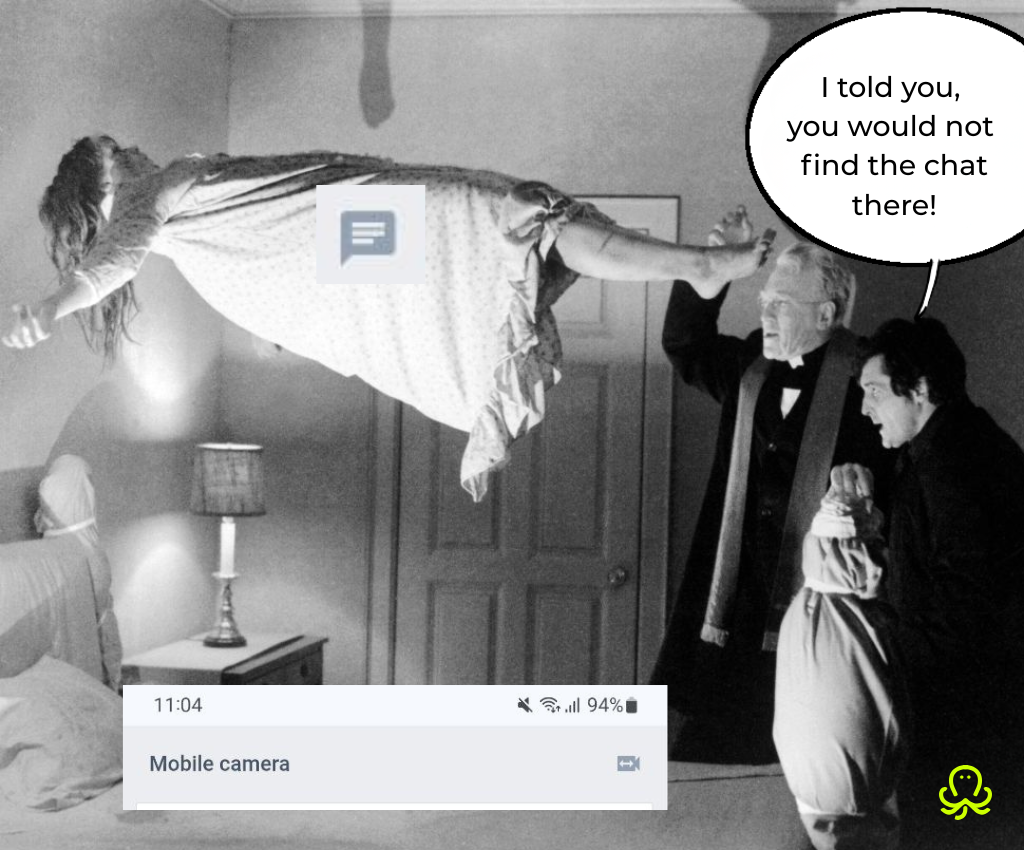
For test takers: no unresponsive buttons, no stress. Support isn’t needed there anyway, since the main interface now has chat at every step except login.
Up to you. You can always create a chatbot with FAQs for Auto or AI remote proctoring sessions, but if it is a matter of accommodation – nothing beats a person who is there in real-time to supervise and reply to any questions.
Changes to the user interface are light and are aimed at personalization. The improved UI looks fresher, but no dramatic changes that will confuse or require significant training.
No, you will not miss misconduct in another group. OctoProctor offers pre-determined metrics you can turn on for automation. If someone leaves the frame ot talks – they will be flagged and you will see the notification.
Yes, students can send images, PDFs, audio, and video files up to 5 MB each, just like live proctors. However, the test-taker screen is usually shared with live proctors during exam sessions, in which case there is no need for them to send images, PDFs or audios to live proctors. Furthermore, screenshotting an issue may inadvertently leak test contents, so admins can turn off the Upload add-on if they decide to.